
References and screenshots
Preview, annotate, combine, save, and organize visual work.
Clipboard workspace for Mac, iPhone, and iPad
Memory Dock keeps text, code, images, links, files, PDFs, videos, voice memos, and dictation in one searchable library.
Private iCloud sync On-device AI Capture controls on Mac
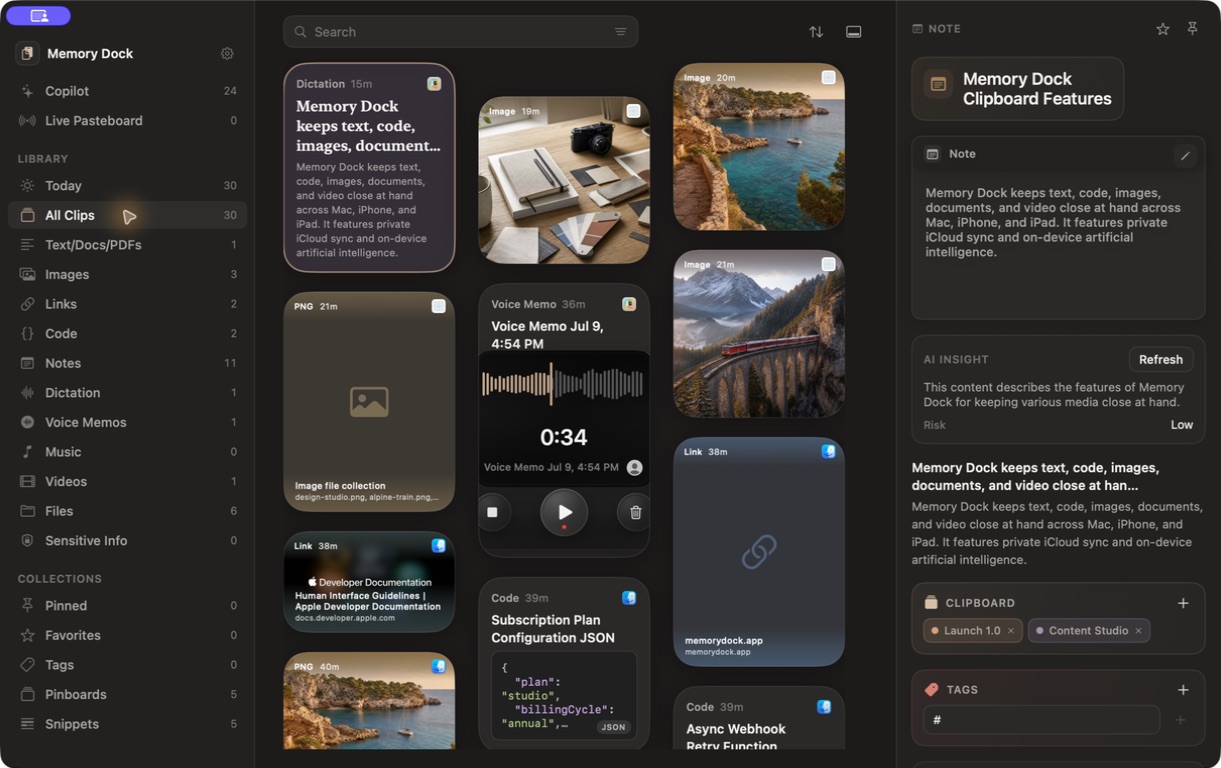
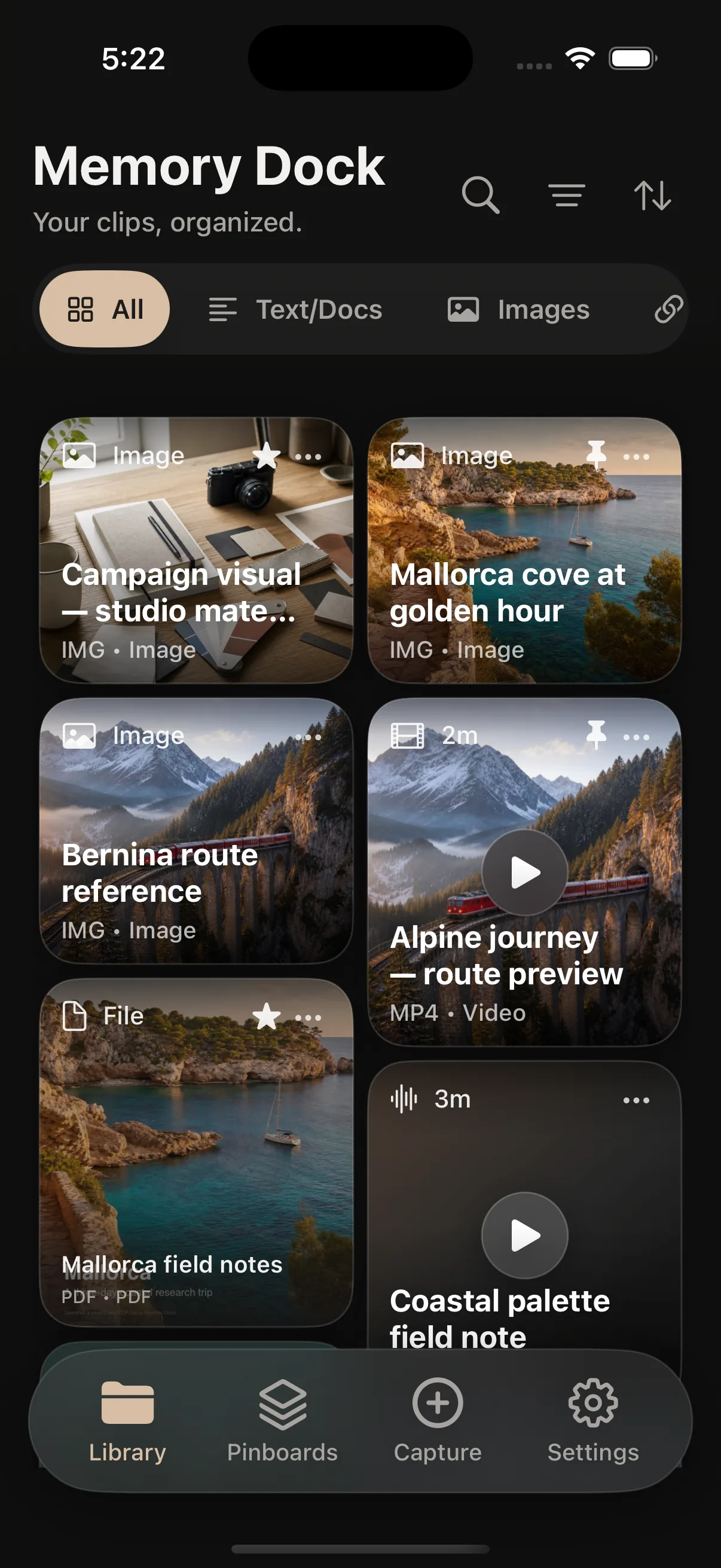
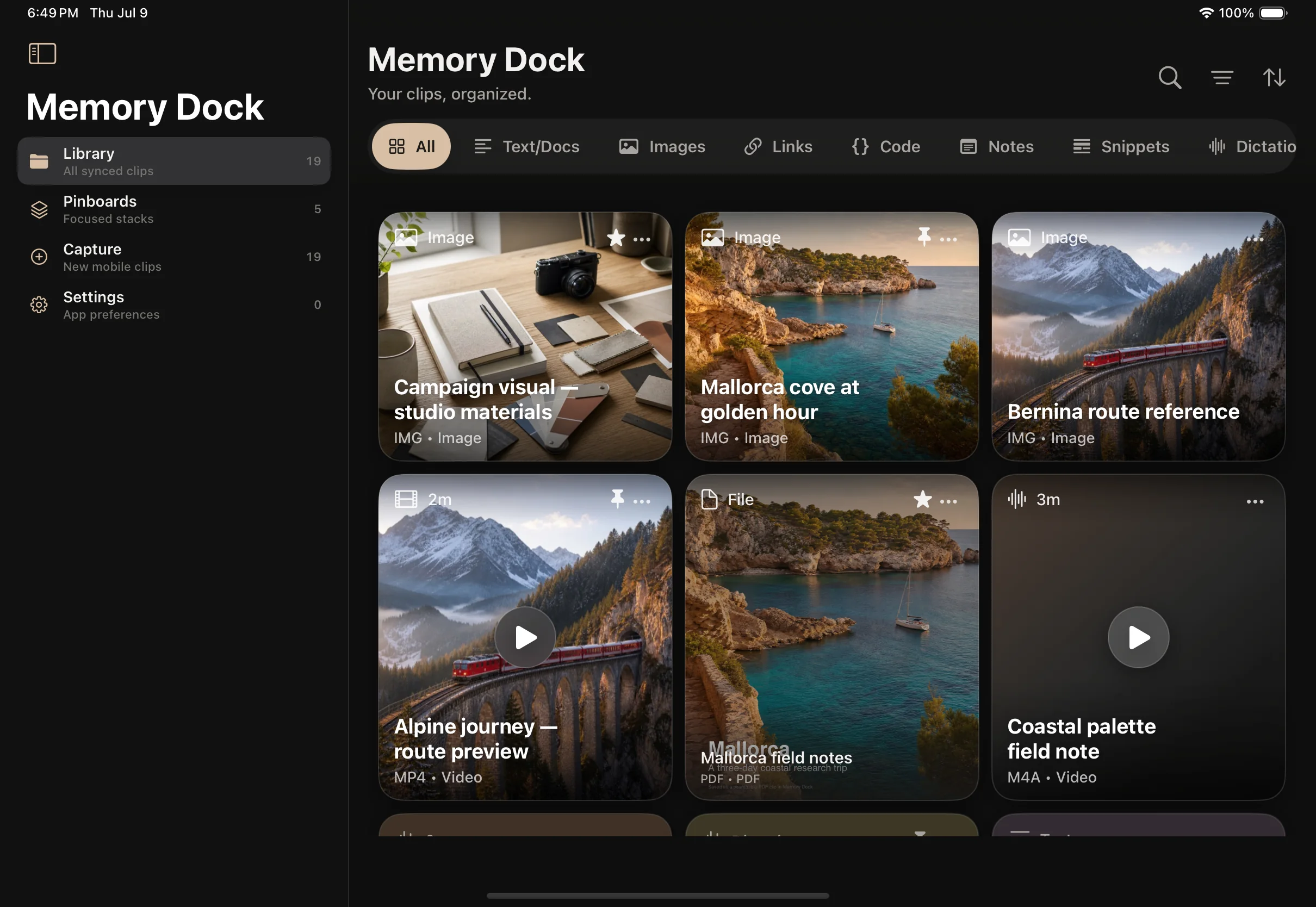
A real library with travel research, development notes, launch assets, voice, video, and documents.
More than clipboard history
Memory Dock understands what you save and gives each clip the right preview, actions, and place to live.
Preview, annotate, combine, save, and organize visual work.
Keep commands, JSON, functions, logs, and configuration readable.
Store a brief, invoice, itinerary, research paper, or working file.
Play video in a focused viewer, record voice, or dictate searchable text.

A simple workflow
Save naturally, arrange clips around real work, then find and reuse the exact item you need.
Copy as usual on Mac. Drag in files, create notes, record voice, or capture deliberately on iPhone and iPad.
Add clips to pinboards, apply tags, mark favorites, or line up several items in the Copy Queue.
Search by words, type, date, or meaning. Copy again, drag out, preview, edit, or run a useful action.
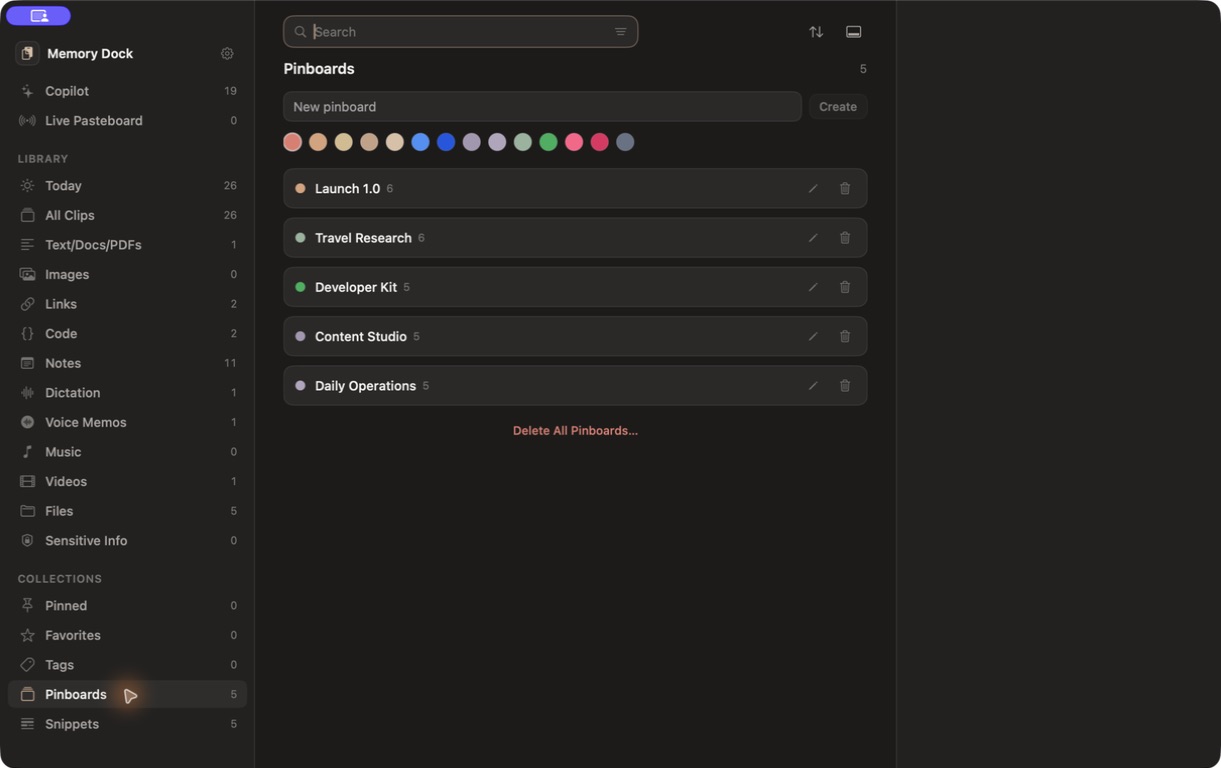
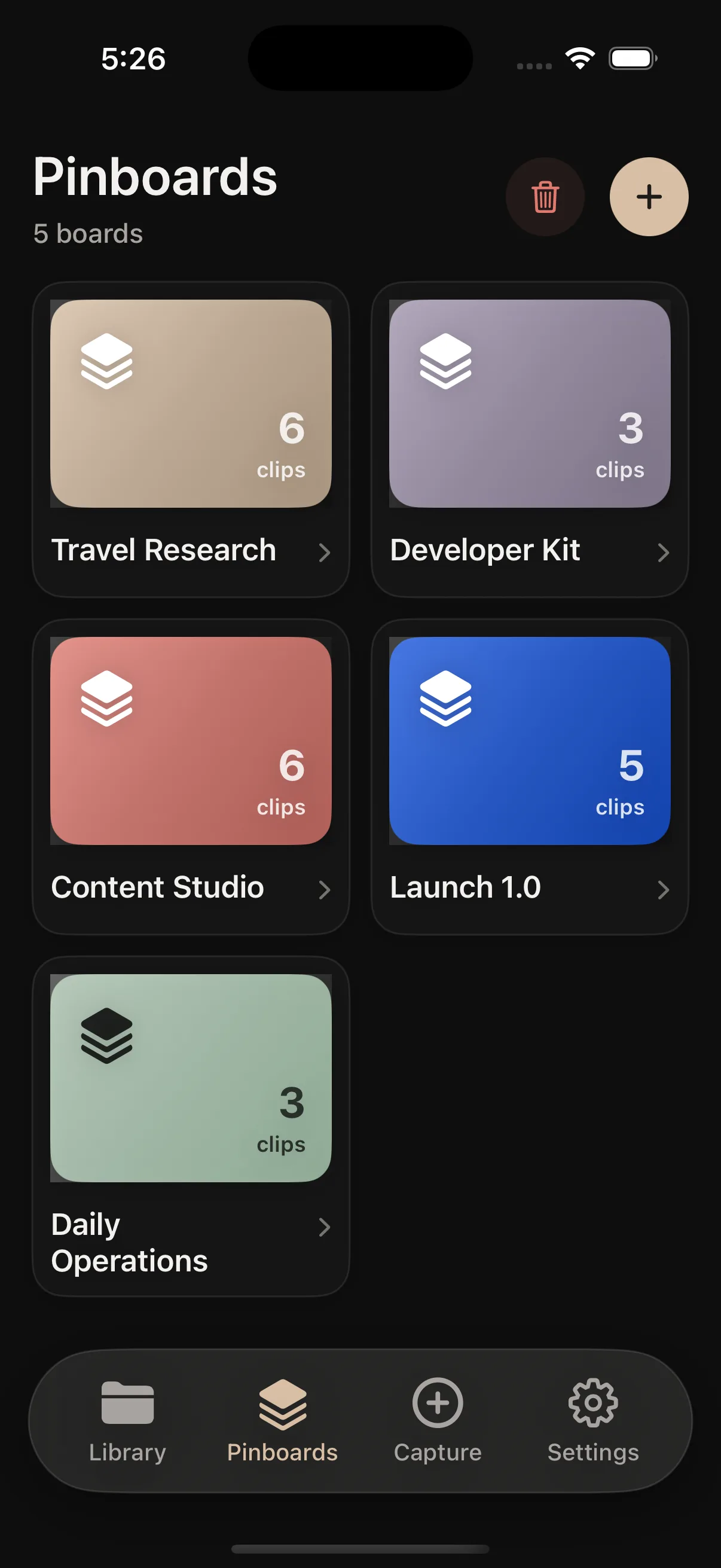
Pinboards
Keep different kinds of content together without forcing everything into folders.
Checklist, announcement copy, QA notes, demo video, and press material.
Itinerary PDF, photos, booking details, video, and a voice note.
API examples, JSON, commands, bug templates, and useful docs.
Sources, draft copy, reference images, dictation, and publishing notes.
On-device AI
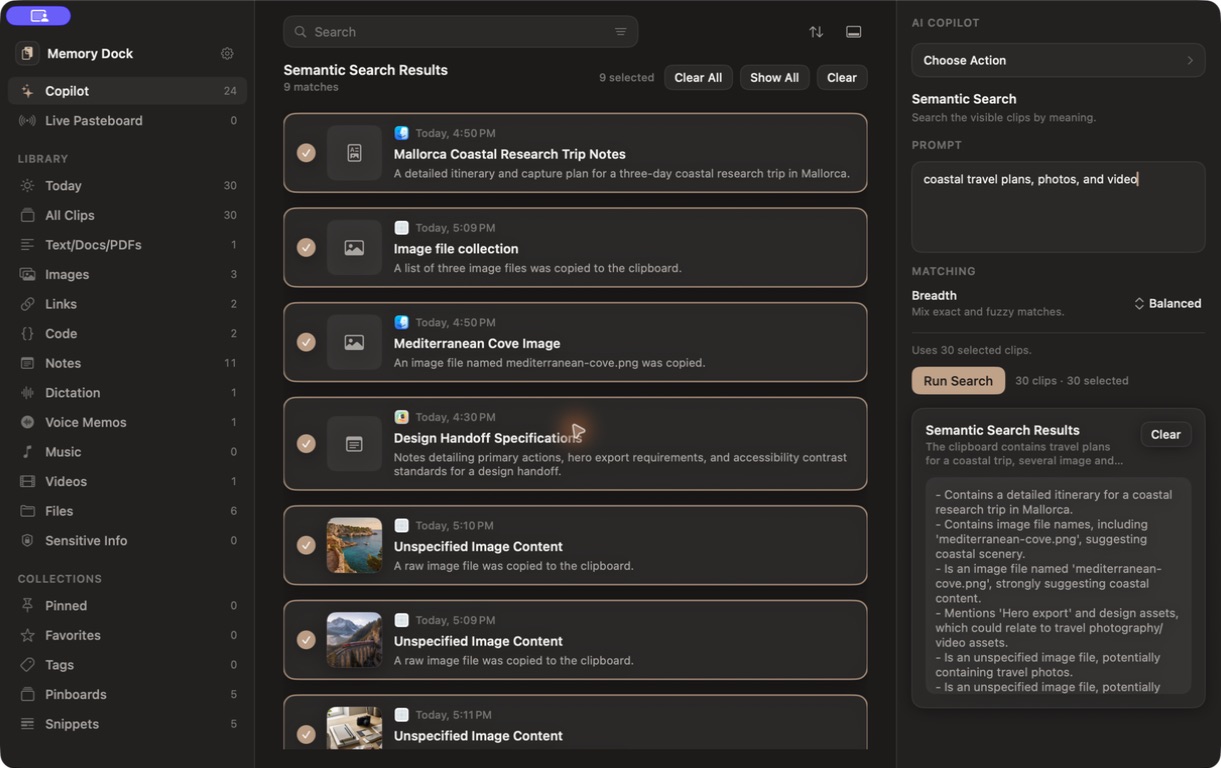
Search clips by meaning and run reusable actions on selected content. Summarize a long brief, extract key points, or clean up a rough note with a local model on your Mac.
Search for “coastal travel plans, photos, and video” and bring the itinerary, destination images, and local video together.
Read, watch, listen
Open a document without leaving Memory Dock, play media in a focused viewer, or listen to text when reading is inconvenient.
Preview supported video, keep it with the project that needs it, and save supported web media locally for offline playback.
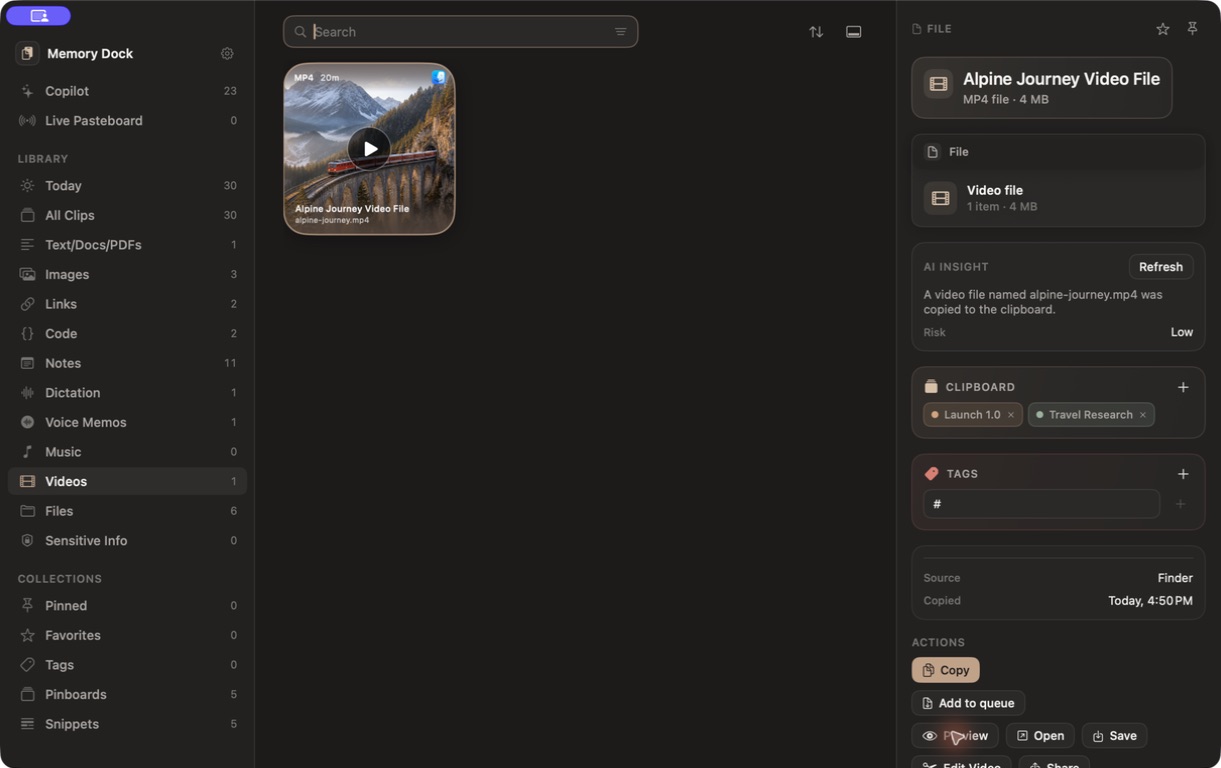
Use a focused reader, then switch to on-device speech when listening works better.

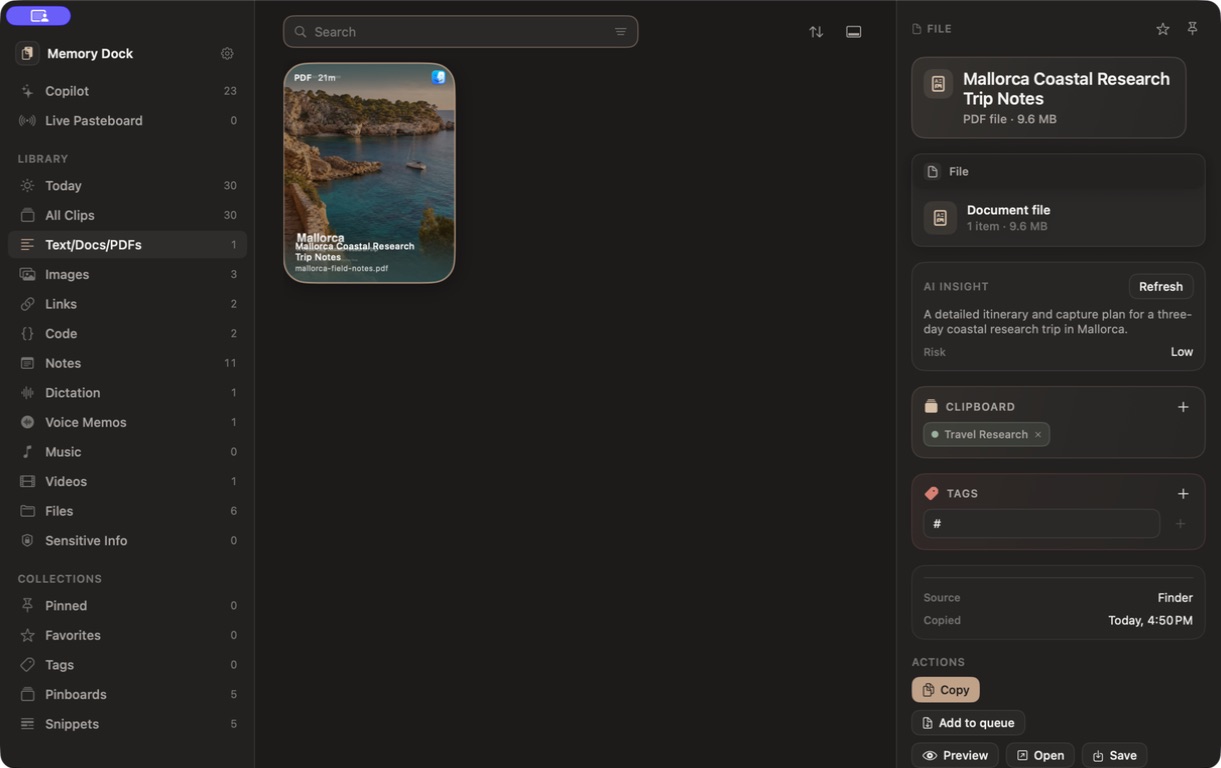
Preview a searchable PDF, add it to a board, and find it later by title or meaning.

Creation tools
Memory Dock is not only a place to store clips. It helps you prepare them for the next app.
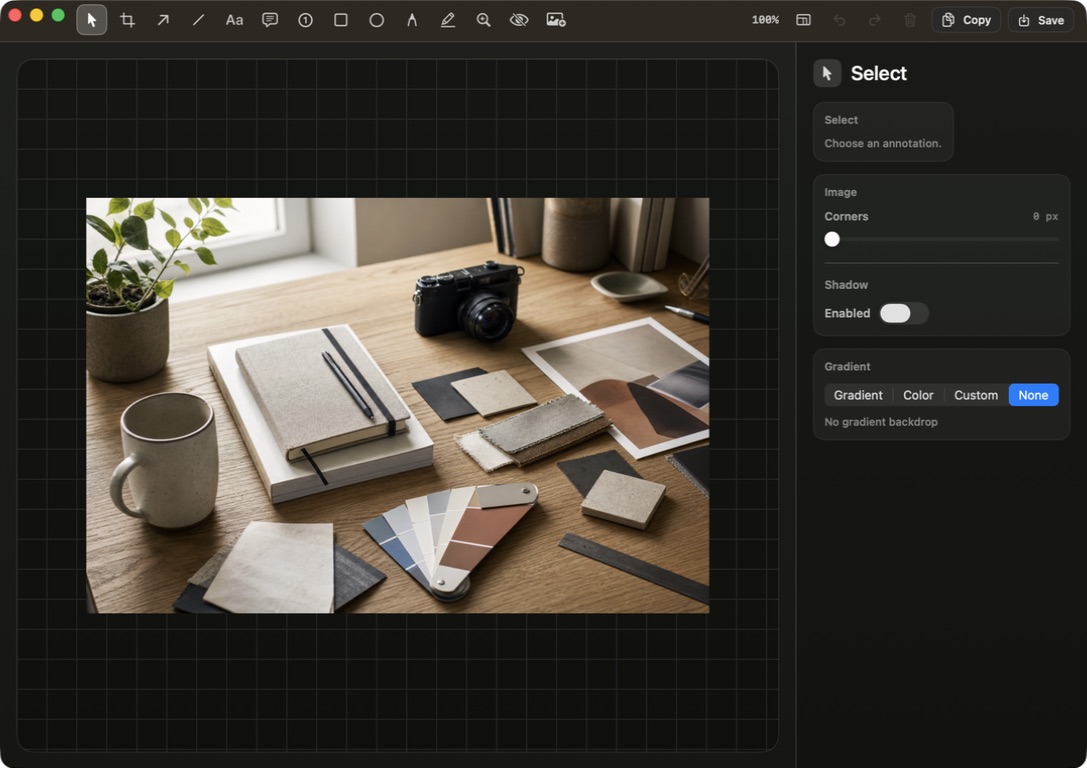
Mark the exact detail, blur private information, or prepare a visual handoff.
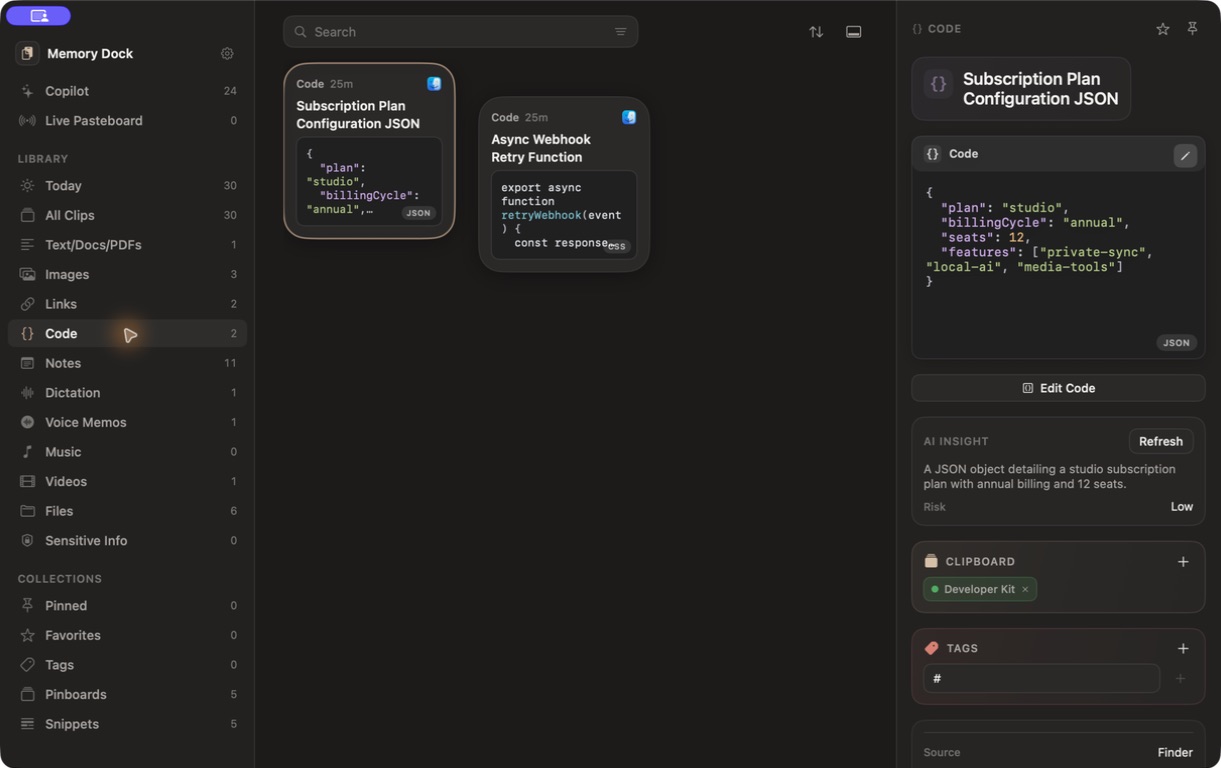
Store code, format JSON, clean URLs, and turn a useful snippet into a shareable image.
Mac, iPhone, and iPad
Your main clip library and pinboards sync through your private iCloud account. Capture automatically on Mac, then search, organize, preview, and reuse clips from iPhone or iPad.
Automatic capture is a Mac feature. iPhone and iPad use deliberate manual capture.
Built for real work
Trips, orders, addresses, replies, receipts, and everyday details.
↗ DevelopersCommands, payloads, code, docs, fixes, and review responses.
↗ DesignersImages, colors, annotations, PDFs, links, and handoff notes.
↗ ContentReader notes, source links, video, dictation, voice, and snippets.
↗Privacy controls
Pause automatic capture, exclude selected Mac apps, detect likely secrets, protect sensitive clips in the encrypted Mac vault, and run supported AI actions locally.
Explore privacy controlsFeature index
Start with capture and search. The deeper tools are there when a clip needs more work.
Automatic Mac history
Drag-and-drop files
Notes and snippets
Dictation and voice memos
Pinboards and tags
Favorites and pins
Copy Queue
Content-type filters
Search and OCR
Local AI summaries
Semantic search
Reusable AI actions
Image annotation
Code Image Studio
Smart text actions
PDF and media viewers
Full Studio
Mini App
Bottom Shelf
Mac, iPhone, and iPad

In final testing
Memory Dock for Mac, iPhone, and iPad is almost ready.